PREVIEW · This is a preview of myidbank.com. Photos are placeholders and prices are proposed.
  1. Home
  2. iPhone & Android
Mobile appsComing soon

IDbank for iPhone and Android.

Native apps are on the way. You don't have to wait: the IDbank web app installs to your home screen today and works on any phone, tablet or computer.

AI image prompt & stock search
Placement
iPhone & Android — Page hero
Alt text
Two hands hold two different smartphones side by side.
Prompt
Two hands hold two different modern smartphones side by side against a clean white background, one slightly higher than the other. One hand has hot-pink nail polish. Soft studio light, crisp focus, no visible brand logos. Editorial documentary photograph, photorealistic, natural soft daylight, 35mm lens, shallow depth of field, clean white and light-gray surroundings, exactly one small hot-pink (#FF2E93) accent in frame, authentic unposed moment, real skin texture, modern United States healthcare setting, high dynamic range, no text. Aspect ratio 4:3, 1600×1200 px.
Negative prompt
logos, brand names, readable text, watermarks, patient faces, hospital beds with patients, medical records, data on screens, stethoscope draped around the neck, surgical masks covering faces, exaggerated smiles, thumbs up, extra or distorted fingers, plastic-looking skin, heavy color grading, neon lighting, blurry faces.
Stock search
two hands holding smartphones white background · two phones mockup hands
Production note
Keep both screens plain solid white; composite real IDbank screenshots from public/screens/ onto them. Don't show Apple or Google logos.
File name
src/assets/images/IMG-DOWNLOAD-PHONES.jpg
Use it today

Install the web app in two taps.

The demo uses a fictional nurse's data, so you can try every feature safely. Real accounts open at launch.

iPhone & iPad

  1. Open the demo in Safari
  2. Tap the Share button
  3. Choose “Add to Home Screen”

Android

  1. Open the demo in Chrome
  2. Tap the ⋮ menu
  3. Choose “Install app” or “Add to Home screen”

Mac & Windows

  1. Open the demo in Chrome or Edge
  2. Click the install icon in the address bar
  3. Launch IDbank like any other app
What the apps will add

Everything in the web app, plus your phone's superpowers.

Face and fingerprint unlock

Open your wallet with Face ID, Touch ID or Android biometrics.

Push reminders

Renewal reminders on your lock screen, with no license numbers shown.

Scan your cards

Capture BLS, ACLS and other cards with your camera, cropped and ready.

Share from anywhere

Create a QR code or link from your phone's share sheet in seconds.
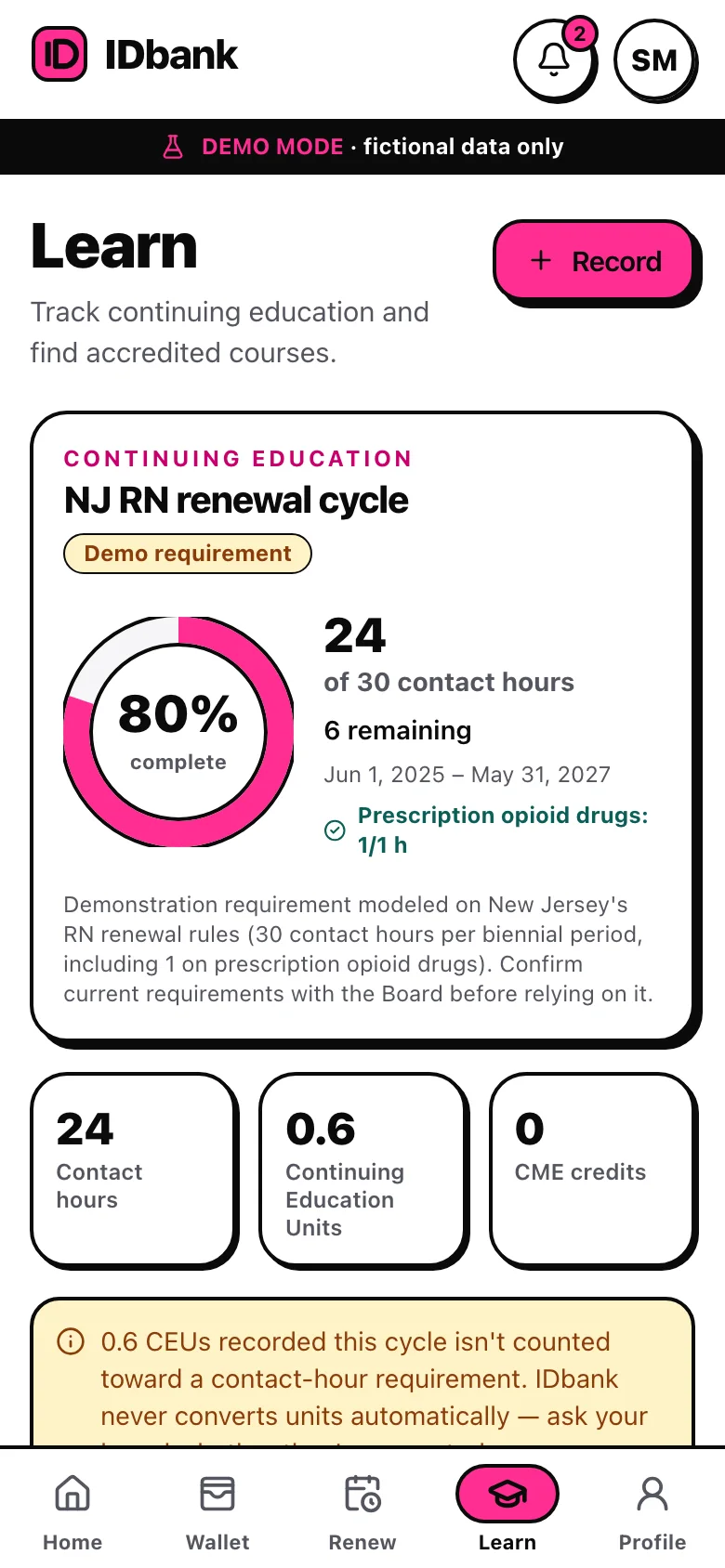
IDbank learn screen with CE progress (demo data).
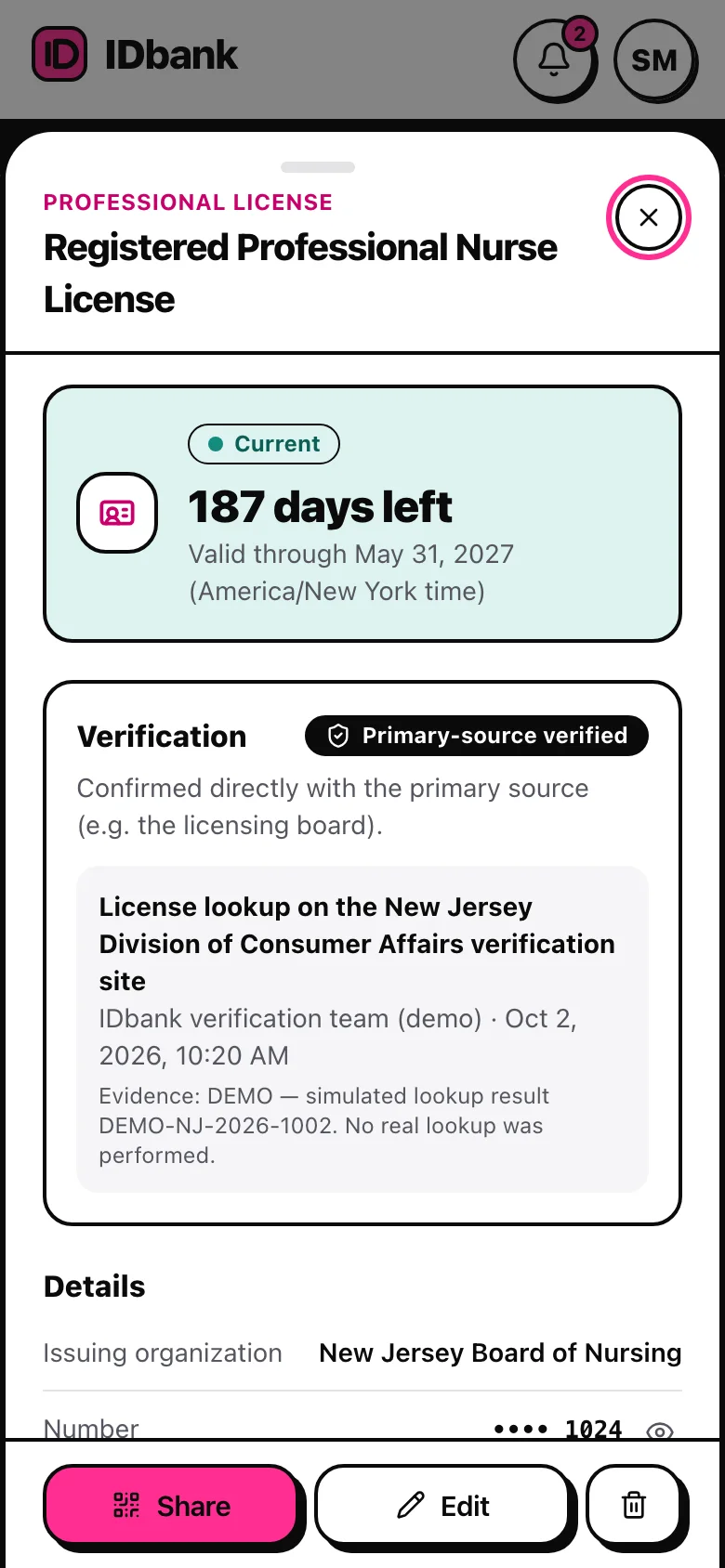
IDbank credential detail screen (demo data).
Get notified

Be first on your phone.

Tell us which phone you use and we'll email you the day the app is available in your store.

The waitlist opens when myidbank.com launches. This preview doesn't collect or send anything.